
Forgetting a login ID or password can interrupt access to an online account. The Unicorn365 Login ID Password Change or Reset page is intended to help users understand the general steps involved in recovering or updating their account credentials.
Keeping login information secure is important, but users can occasionally forget a password, lose track of their login ID, or need to update their credentials for security reasons. Following the correct account-recovery process can make these situations easier to manage.
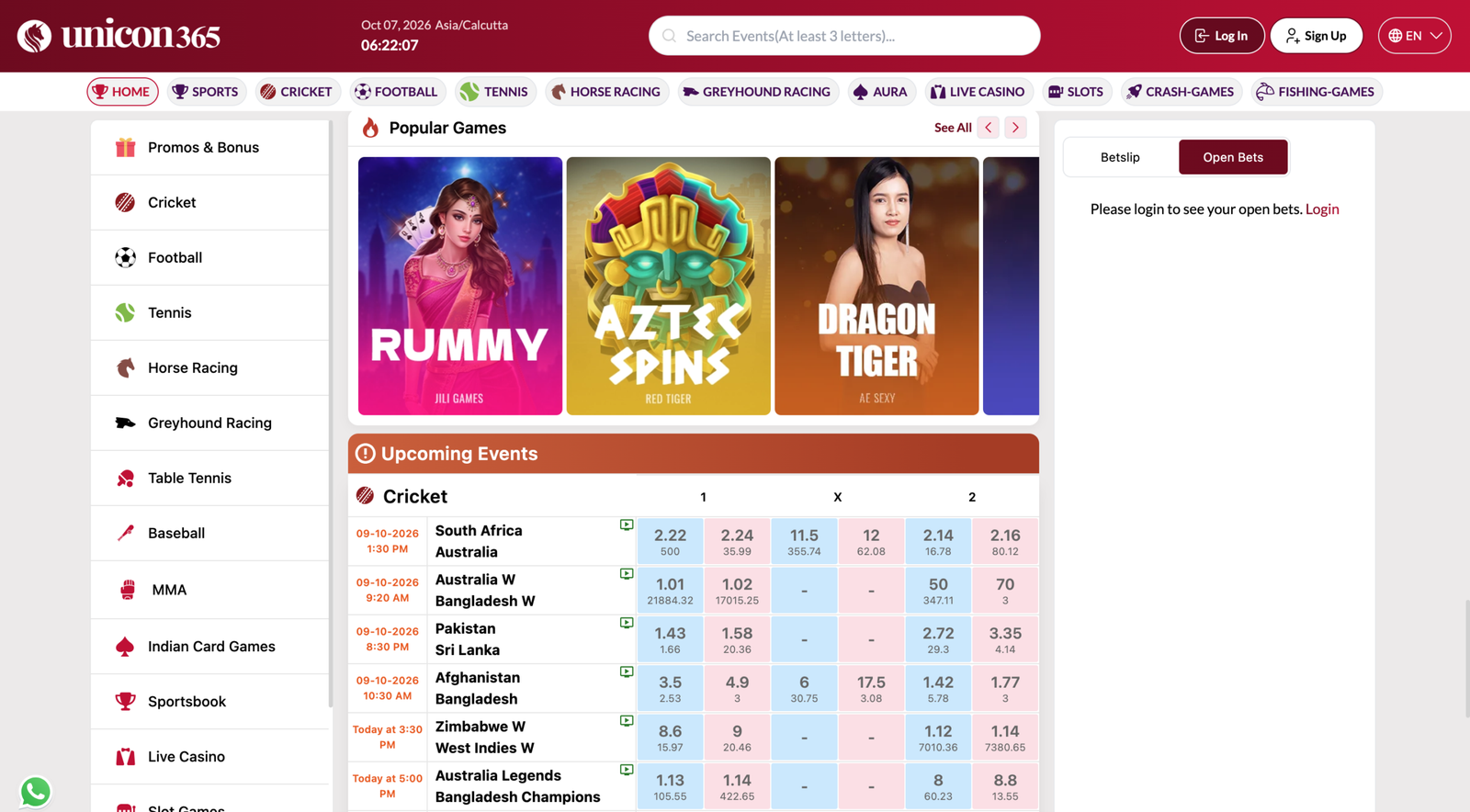
When Should You Change or Reset Your Login Details?
There are several reasons why a user may need to update account credentials. You might have forgotten your password, suspect that your login information is no longer secure, or simply want to create a new password.
A password reset and a password change are slightly different. A password change normally happens when you can still access your account, while a password reset is generally used when you cannot remember the existing password.
If you are trying to access your account normally, you can first visit the Unicorn365 Login page.
Unicorn365 Login ID Password Change or Reset Process
1. Open the Correct Account Access Page
Begin by visiting the official Unicorn365 website and navigating to the relevant login or account-support section. Make sure that you are using the correct website rather than an unrelated page offering account recovery.
2. Look for the Recovery Option
If you cannot remember your password, check whether a password recovery or reset option is displayed on the login screen.
Follow the instructions shown by the platform. Depending on the available account system, you may be asked to provide identifying account information before continuing.
3. Verify Your Account Information
Account recovery may require confirmation through a registered contact method or another verification process. Enter only the information requested by the official account system.
Never provide your password or verification code to another person claiming they can recover your account manually.
4. Create a New Password
When the reset process allows you to create a new password, choose a strong and unique combination. Avoid using passwords that you already use on other websites.
A longer password containing a mixture of letters, numbers, and symbols can make unauthorized guessing more difficult.
What If You Forgot Your Login ID?
Forgetting a login ID can be just as inconvenient as forgetting a password. First, check whether your original registration information or account communication contains the relevant login details.
If you recently created an account, you can also review the Unicorn365 Registration information to understand the account setup process.
If the available recovery options do not resolve your problem, use the Unicorn365 Contact Us page to find the appropriate support information.
Protect Your New Login Credentials
After changing or resetting your password, keep the new credentials private. Do not save them in publicly accessible notes or send them through social media messages.
If you use Unicorn365 from a smartphone, you can explore the Unicorn365 App page for information about mobile access options.
Users should also avoid entering account credentials into unknown applications, unofficial websites, or suspicious links.
Use WhatsApp Carefully
If you prefer messaging-based assistance, the Unicorn365 WhatsApp Number page provides information about the available WhatsApp contact option.
Always verify the contact details before sharing any account-related question, and never send passwords, PINs, or verification codes through an unsecured conversation.
Final Thoughts
The Unicorn365 Login ID Password Change or Reset process can help users deal with common account-access problems such as forgotten credentials or the need to update a password.
The safest approach is to use the appropriate official account-recovery option, verify your information carefully, and create a strong password when prompted. Keeping login credentials private and avoiding unknown recovery services can also help protect your account.
If you need additional assistance, use the platform’s available support resources rather than sharing sensitive information with third parties.
Table of Contents